
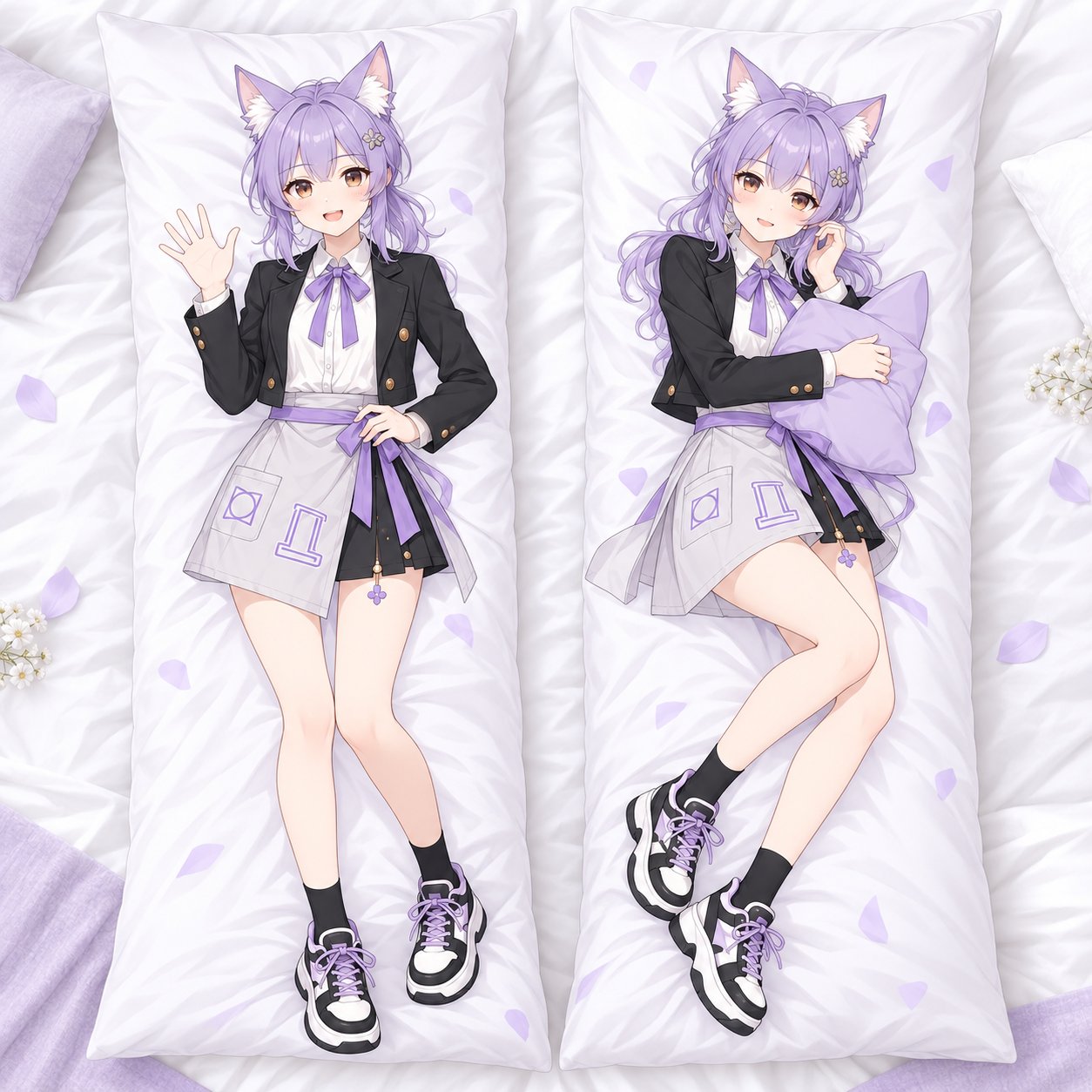
A custom dakimakura turns your own character art into a full-size body pillow cover — front and back, printed edge to edge. If you’ve never ordered one before, the process can feel opaque: what file do you need, how do you choose fabric, and where does your artwork actually go?
This guide walks you through the exact process of ordering a custom dakimakura on Furola with your own artwork, step by step.
Before you start: what you’ll need
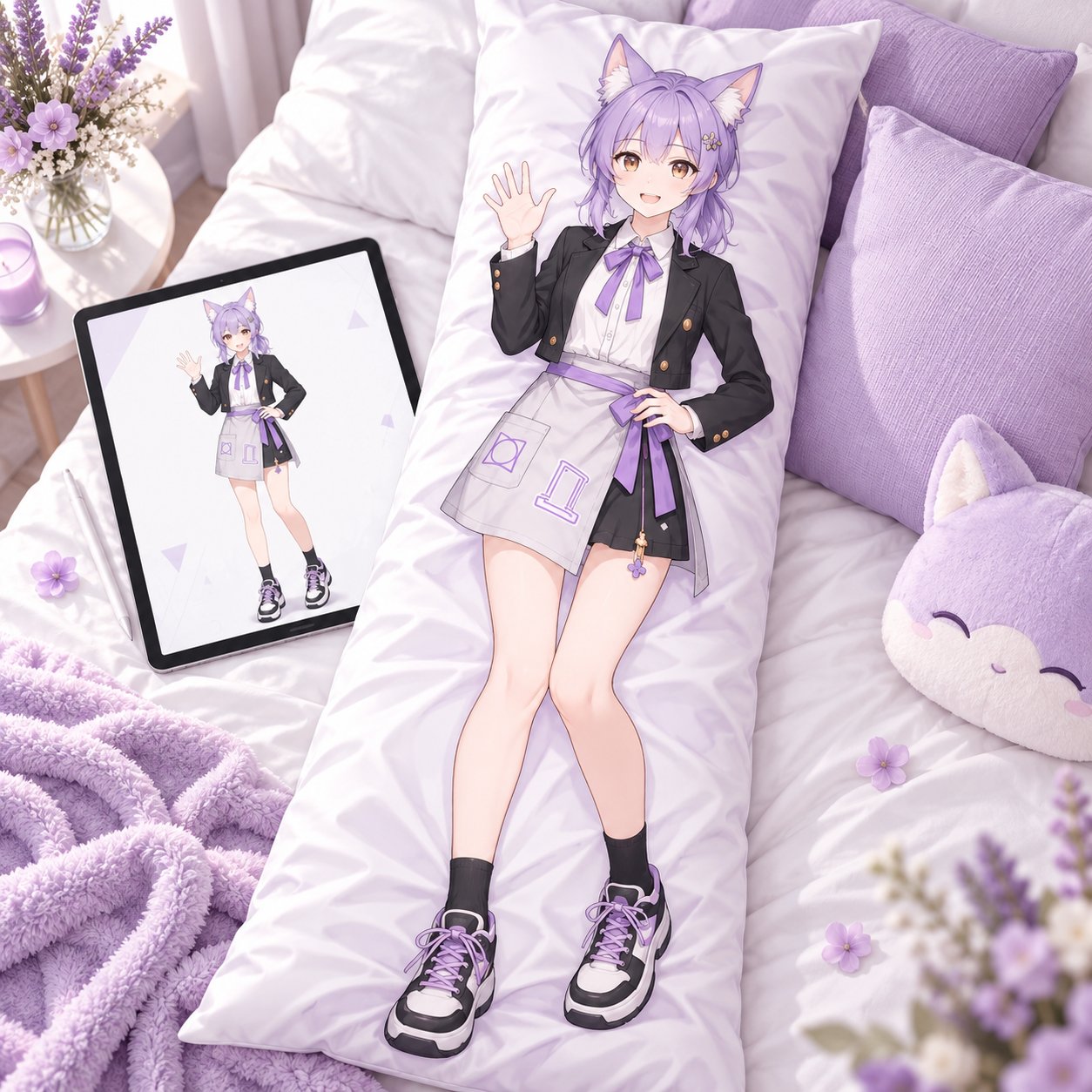
- Finished artwork for both sides of the cover (front and back). A dakimakura is double-sided, so plan two designs — or the same character in two poses.
- A decision on size and fabric (we’ll cover the options below).
- Your order number handy after checkout — you’ll need it when you submit your files.
Step 1: Prepare your artwork files
Your artwork quality decides everything about the final print. The single most important rule: build your file at the final print size at 300 DPI, plus a 2 cm bleed — for example, if you’re ordering the 50×150 cm cover, set your canvas to 52×152 cm. Don’t upscale a small social-media image at the last minute — missing detail can’t be recovered.
A few practical rules that save beginners the most trouble:
- Make two files — one for Side A (front) and one for Side B (back). Keep both at exactly the same canvas size and resolution, and name them clearly (e.g.
YourCharacter_Side-A,YourCharacter_Side-B). - Leave breathing room at the edges. The cover wraps around a pillow insert and gets sewn at the seams, so keep faces, hands, and important details away from the borders.
- Check the viewing direction. Text, accessories, asymmetrical hair, and hands are the details most likely to reveal an accidental flip — double-check before you export.
For the full file-setup walkthrough (canvas templates, bleed, safe areas, and double-sided layout), see our detailed companion guide: Dakimakura File Prep Guide for Double-Sided Artwork.
Step 2: Choose your size and fabric
On the Dakimakura product page, you’ll pick two options before ordering:
Size (cm) — 8 options:
34×100 · 40×120 · 50×150 · 51×137 · 50×160 · 60×170 · 60×180 · <140×250
For full-body character art, 50×150 and 60×180 are the most popular choices — they give the artwork enough presence without awkward cropping. If your composition relies on a longer silhouette or detailed costume, 60×180 is the stronger pick.
Fabric — 4 options:
Peach Skin · Plush · 2 WAY · New 2 WAY
If you’re torn between fabrics, our upcoming comparison breaks it down: 2-Way Tricot vs Peach Skin Dakimakura: Which Fabric Is Worth Your Money?
Step 3: Place your order and understand the pricing
Pricing on a custom dakimakura has three parts:
- Base price — from $7.99.
- Size and fabric modifiers — larger sizes and premium fabrics add to the price. For example, selecting 60×180 adds +$30.00 and 2 WAY fabric adds +$5.00.
- Customization fee — a flat $35.00 for made-to-order production with your artwork.
The page updates the total live as you select options. As one example: 60×180 in 2 WAY fabric comes to $42.99 total. Your total will vary with the combination you choose — the price you see at checkout is the price you pay.
Step 4: Send your artwork by email
Here’s the part that surprises first-timers: there’s no file upload button on the product page. After you place your order, you submit your design files by email:
- Finish checkout and note your order number.
- Email your artwork files to [email protected] (or [email protected]).
- In the email, include:
- Your order number
- The artwork files (named clearly, e.g. Side A / Side B)
- The size and fabric options you selected
- Any personalization notes
That’s it — your files go straight into the production queue attached to your order.
Step 5: Production and delivery
- Production: most custom products are produced within 2–5 working days after your order is confirmed.
- Shipping: calculated separately. Shipping rates for your country are shown at checkout after you select your product options, and tracking is provided after dispatch. (As an example, US shipping for a standard order was $11.00 pay-by-weight with 7–15 working days transit at the time of writing — your rate will depend on your options and destination.)
- Delivery estimate: shown on the product page for your region once you’ve selected your options.
Good to know before you order
A few policies worth knowing up front, so there are no surprises:
- Changes and cancellations: custom products are made to your submitted specs. Once production starts, your order generally can’t be modified or cancelled — double-check your size, fabric, and files before you submit.
- Returns: all custom orders are final sale — no refunds, no exceptions.
- Samples: you can order a sample with your own design first — purchase the product on Furola, then send your design files with your order number, just like a regular order.
- Who can order: per the product’s ordering notes, these products are available to merchants using Furola services.
Questions? The full policy details live on our FAQ page.
Quick FAQ
Do I need to be an artist to order a custom dakimakura?
No — but you do need print-ready artwork files. If you don’t draw, you can commission an artist for cover art first, then follow the steps above.
Does the cover come with the pillow insert?
Covers are sold separately from inner pillows. Check our upcoming insert guide before you buy: What Pillow Insert Goes Inside a Dakimakura Cover?
How long does the whole process take?
Roughly: file prep (your pace) → order + email files (same day) → 2–5 working days production → shipping transit depending on your country.
Can I see a preview before it prints?
Furola doesn’t list a formal proof/approval step — which is exactly why careful file prep matters. When in doubt, follow the File Prep Guide and check your files twice before emailing them.
Ready to make yours? Start your custom dakimakura →


